Step 1
Download the App
Download and open the official BGNFK app on your phone.
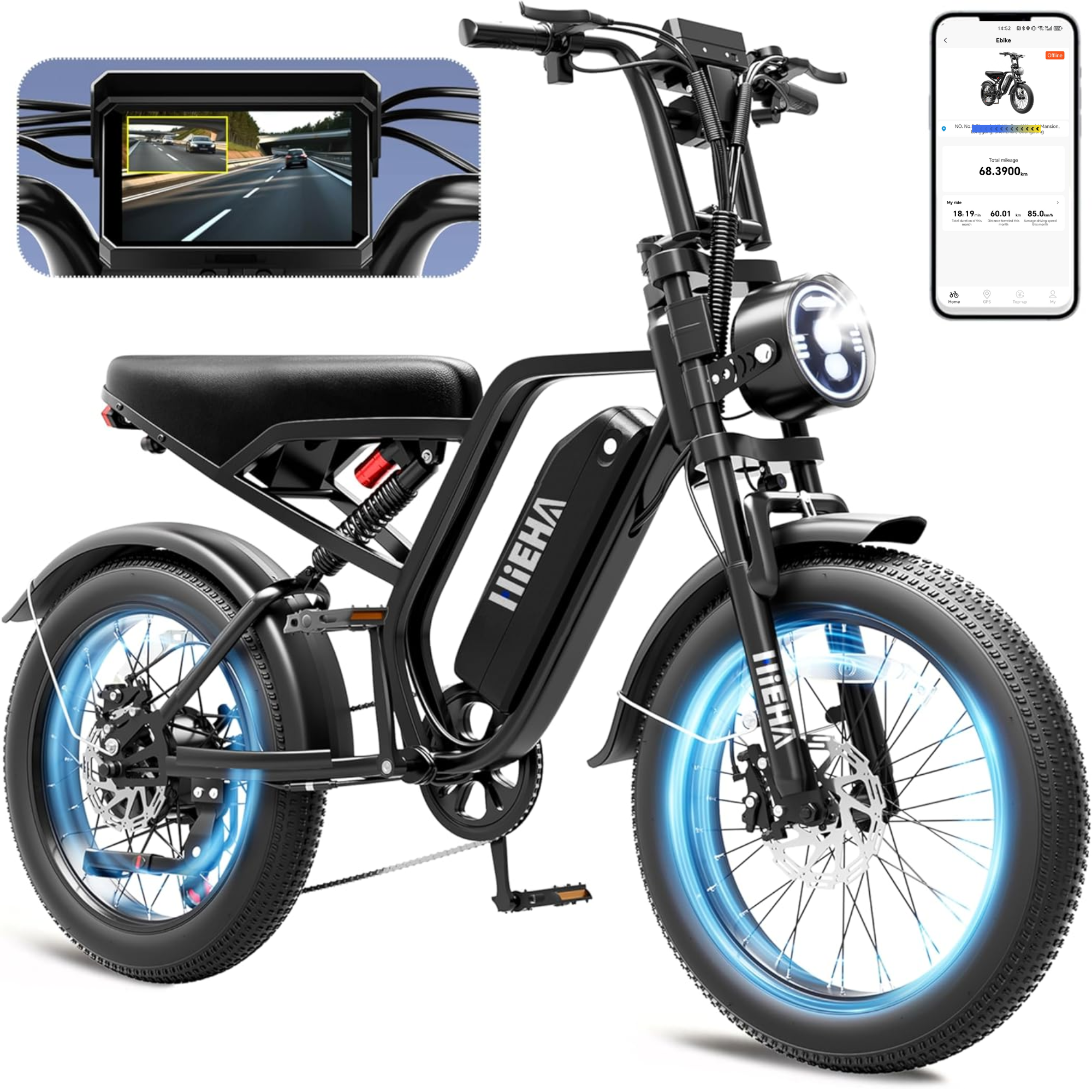
Connect and manage your compatible HIEHA SU8 2.0 smart e-bike from your phone.

BGNFK currently supports the HIEHA SU8 2.0 only. Follow these steps to connect your phone and bike.
The only HIEHA model currently supported by the BGNFK app.
View SU8 2.0Download and open the official BGNFK app on your phone.
Turn on Bluetooth and Wi-Fi, then keep your phone close to the bike.
Power on your SU8 2.0 and follow the in-app pairing instructions.
Quick answers for downloading and connecting BGNFK with your compatible HIEHA SU8 2.0.
Check your internet connection and available storage, then retry the download. If Android requests permission, continue only when the download was started from this official HIEHA page.
After installation, turn off “Install unknown apps” permission for your browser if you enabled it.
Retry Android DownloadPower on the SU8 2.0 and keep your phone close to the bike. Reopen BGNFK; if the device does not appear, restart both the bike display and your phone, then try again.
View Connection StepsConfirm that Bluetooth and Wi-Fi are enabled. Turn both off and back on, reopen BGNFK and follow the in-app pairing prompts.
Keep your phone close to the SU8 2.0 while connecting.
View E-Bike FAQVisit the HIEHA Support Center for available setup guides, FAQs and product resources. Contact us with your exact model if you cannot find the information you need.
View Setup GuidesThree available parts selected for HIEHA SU8 owners. Confirm model fit before ordering.

Keep compatible backup power ready for longer riding days.

Add an extended rear seating option for a compatible SU8 setup.

Help protect your ride from road spray, water and debris.
The battery is SU8 2.0-specific. Confirm rear seat and fender fit on the product page before ordering, or contact HIEHA Support.
 HIEHA Community
Share the HIEHA SU8 2.0 with a friend who wants a connected, powerful and road-ready smart e-bike.
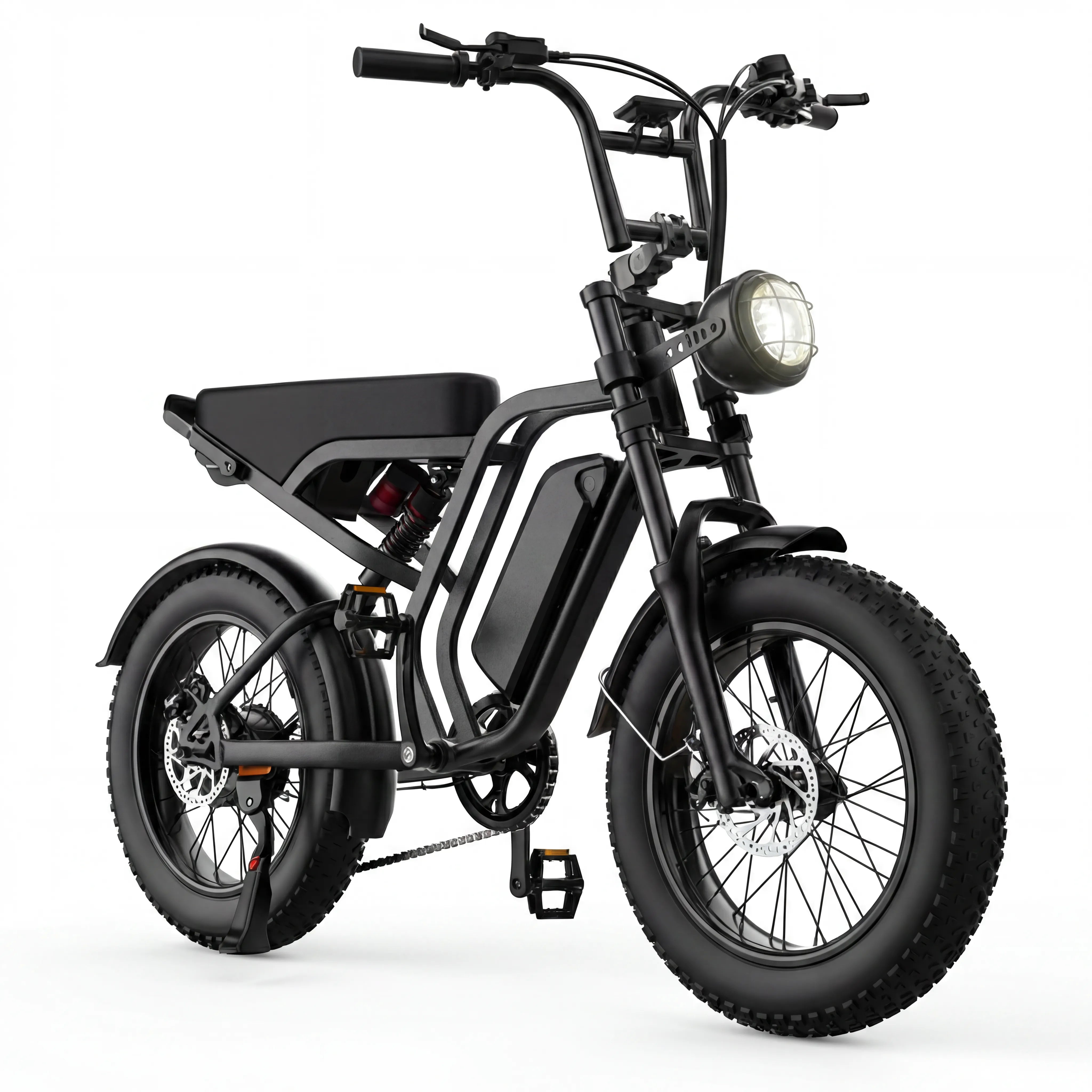
HIEHA SU8 2.0 Fat Tire Electric Bike, 750W Full Suspension E-Bike for Adults

Official App

YES!

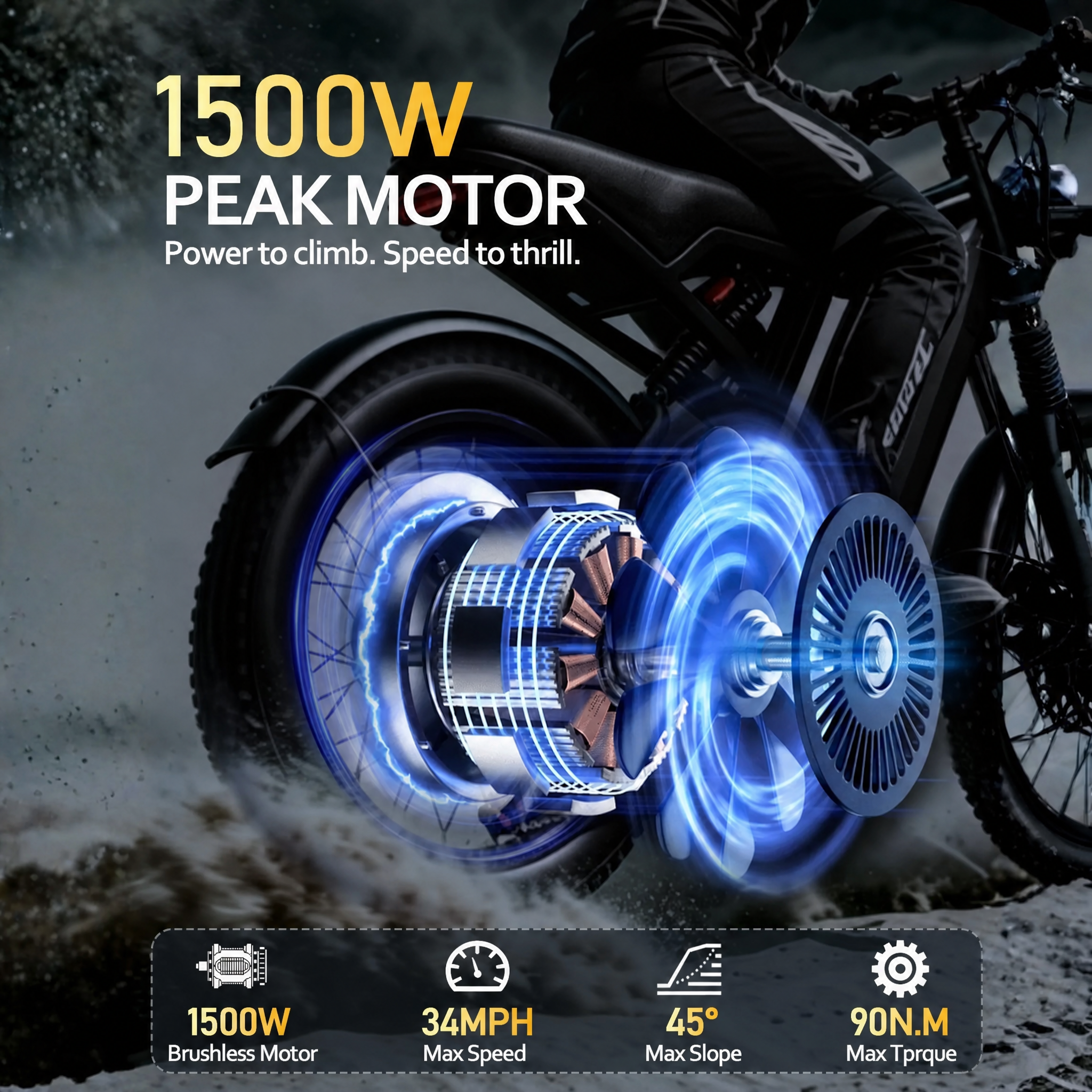
1500W (750W Rated)

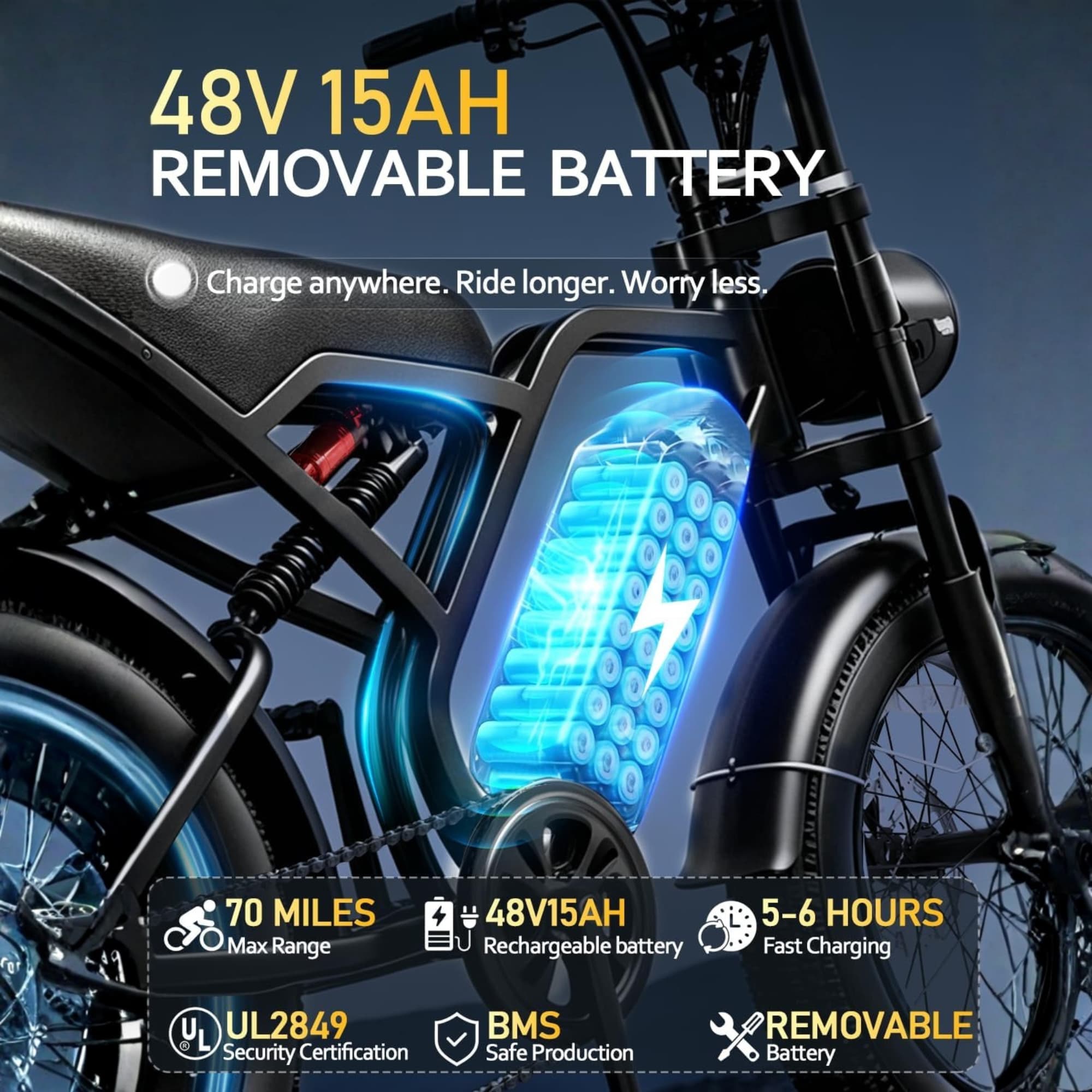
40-70 Miles
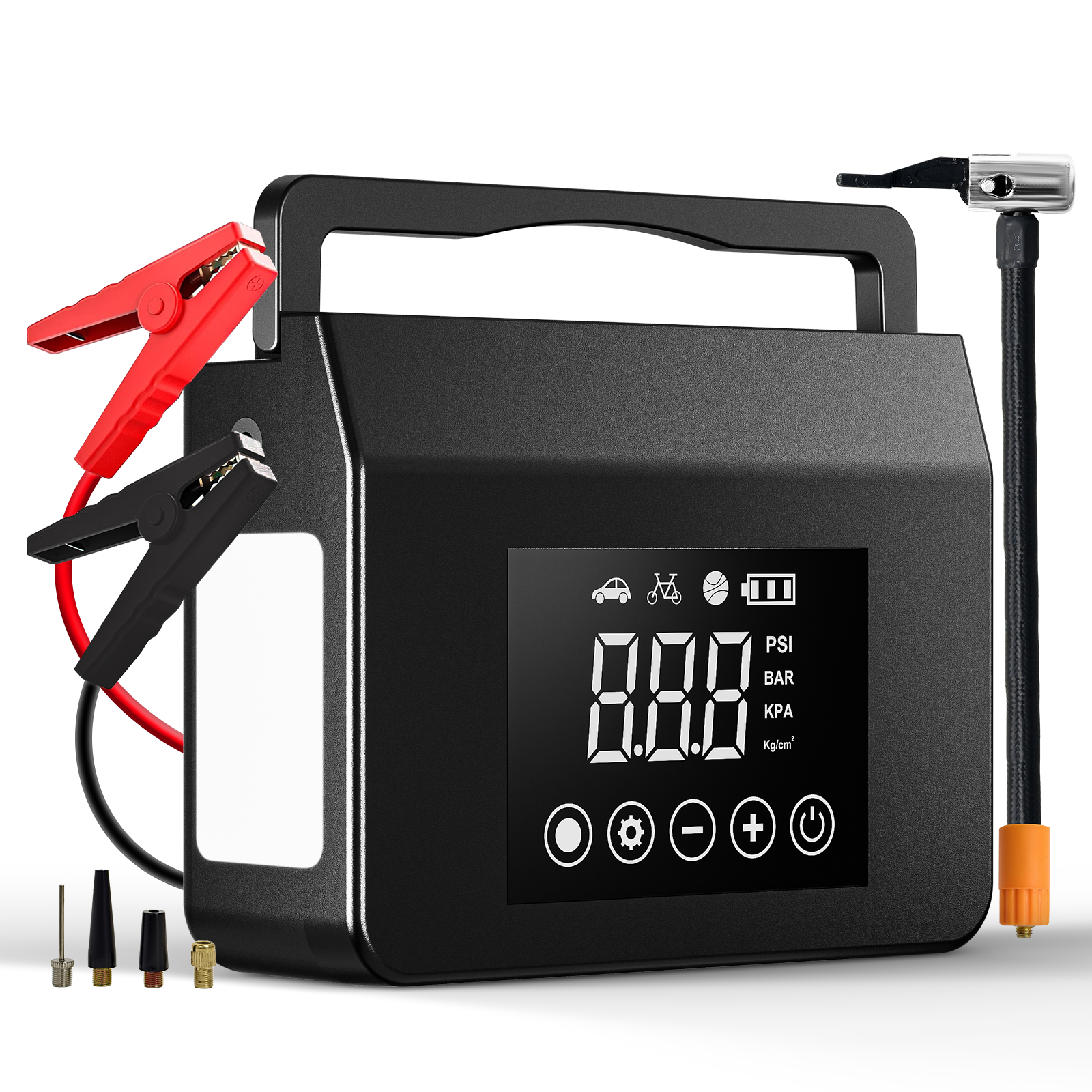
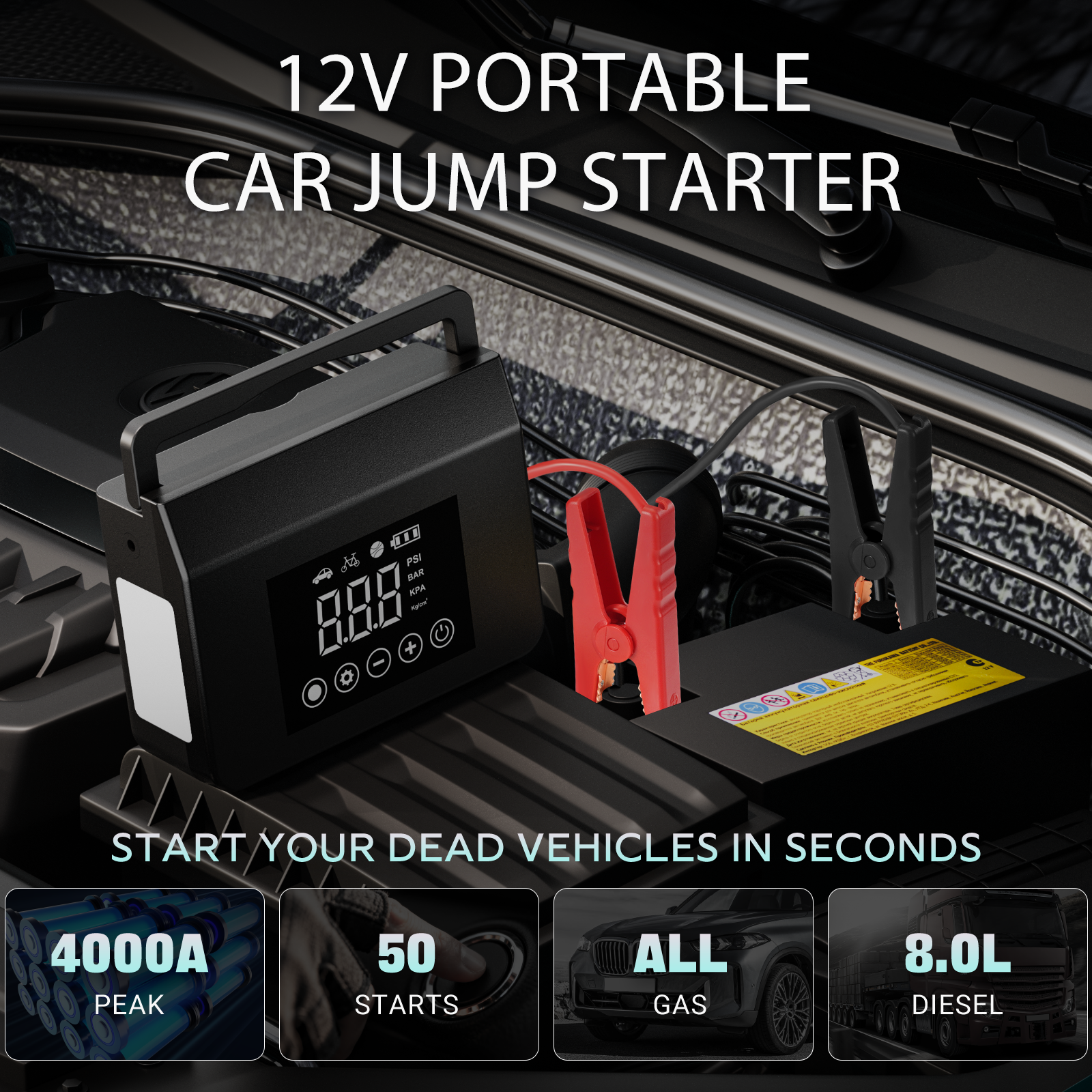
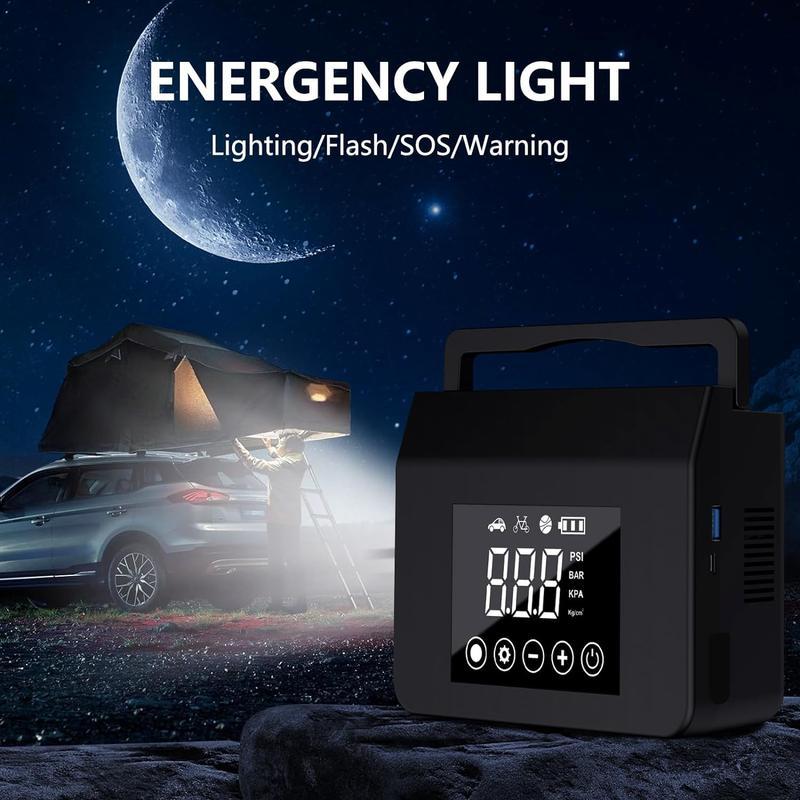
HIEHA® 4-in-1 Jump Starter with Air Compressor
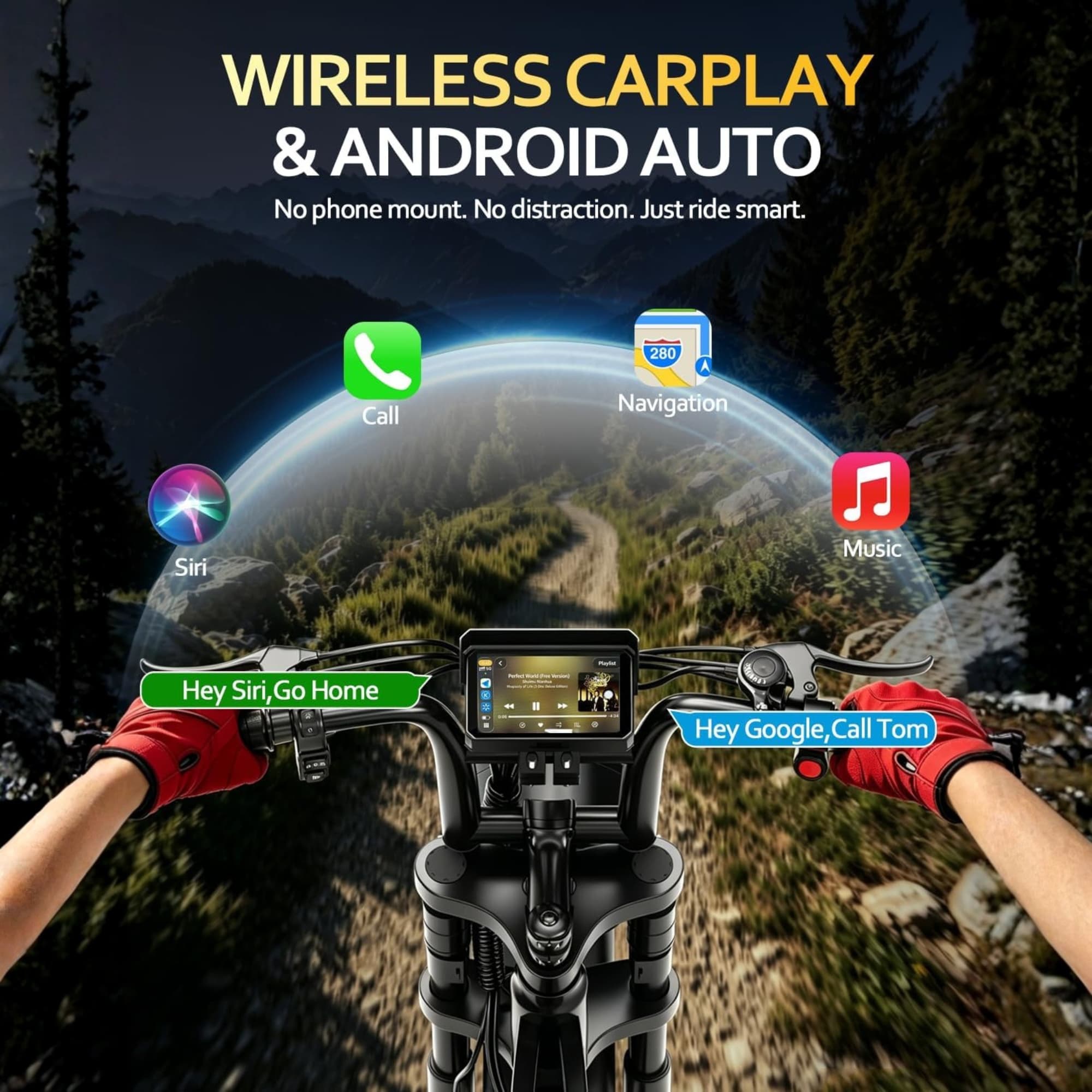
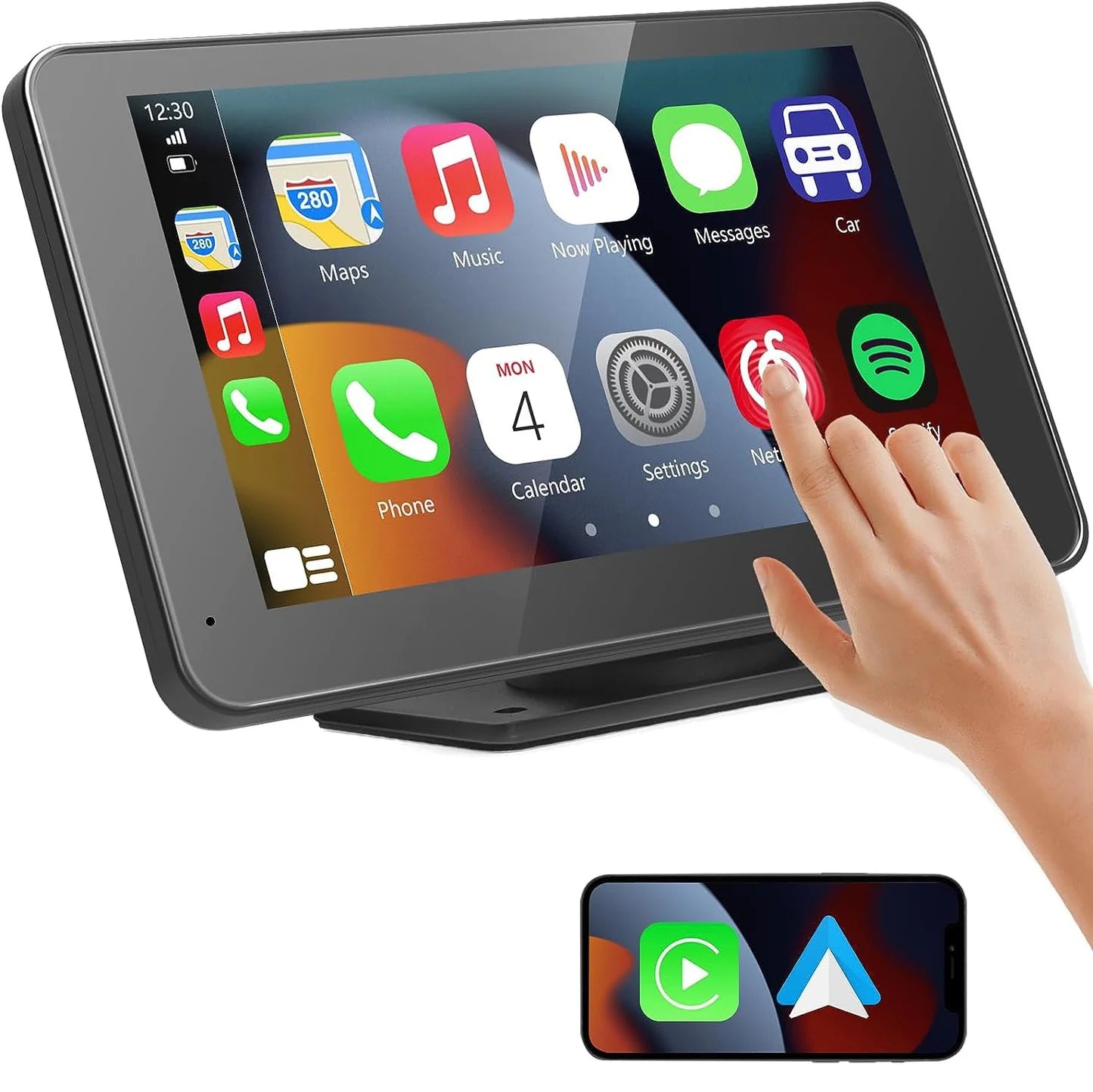
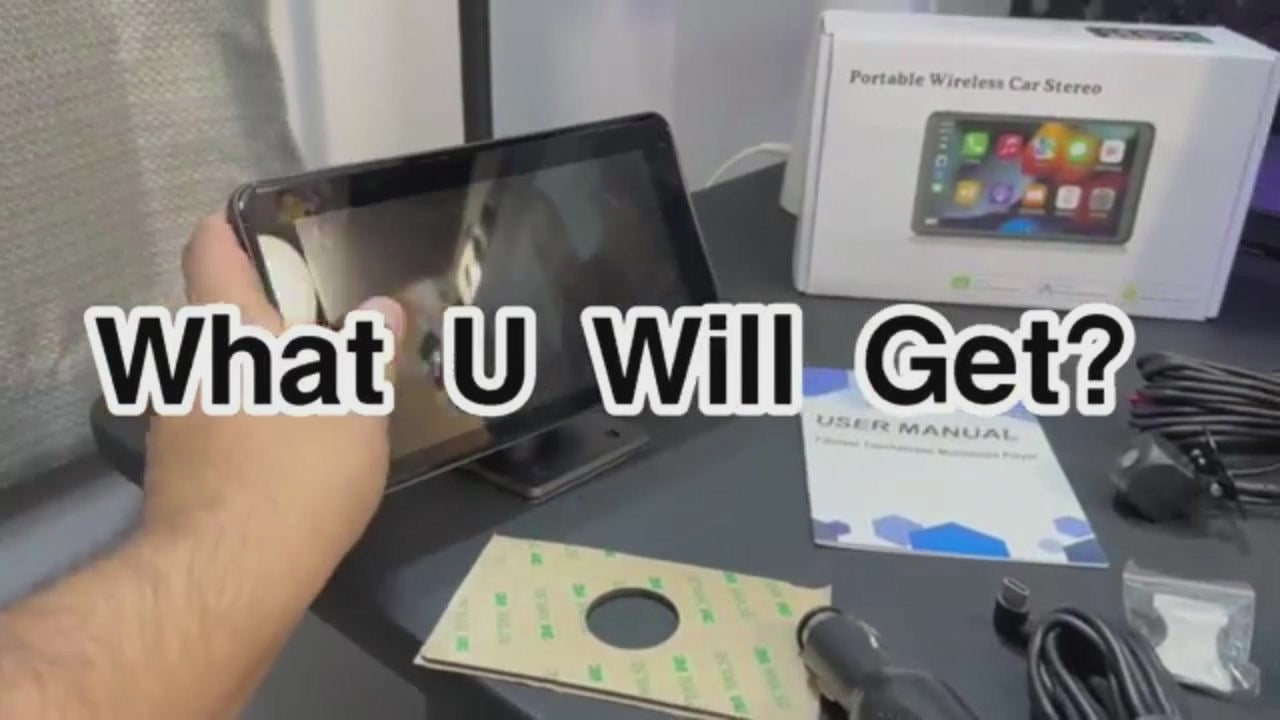
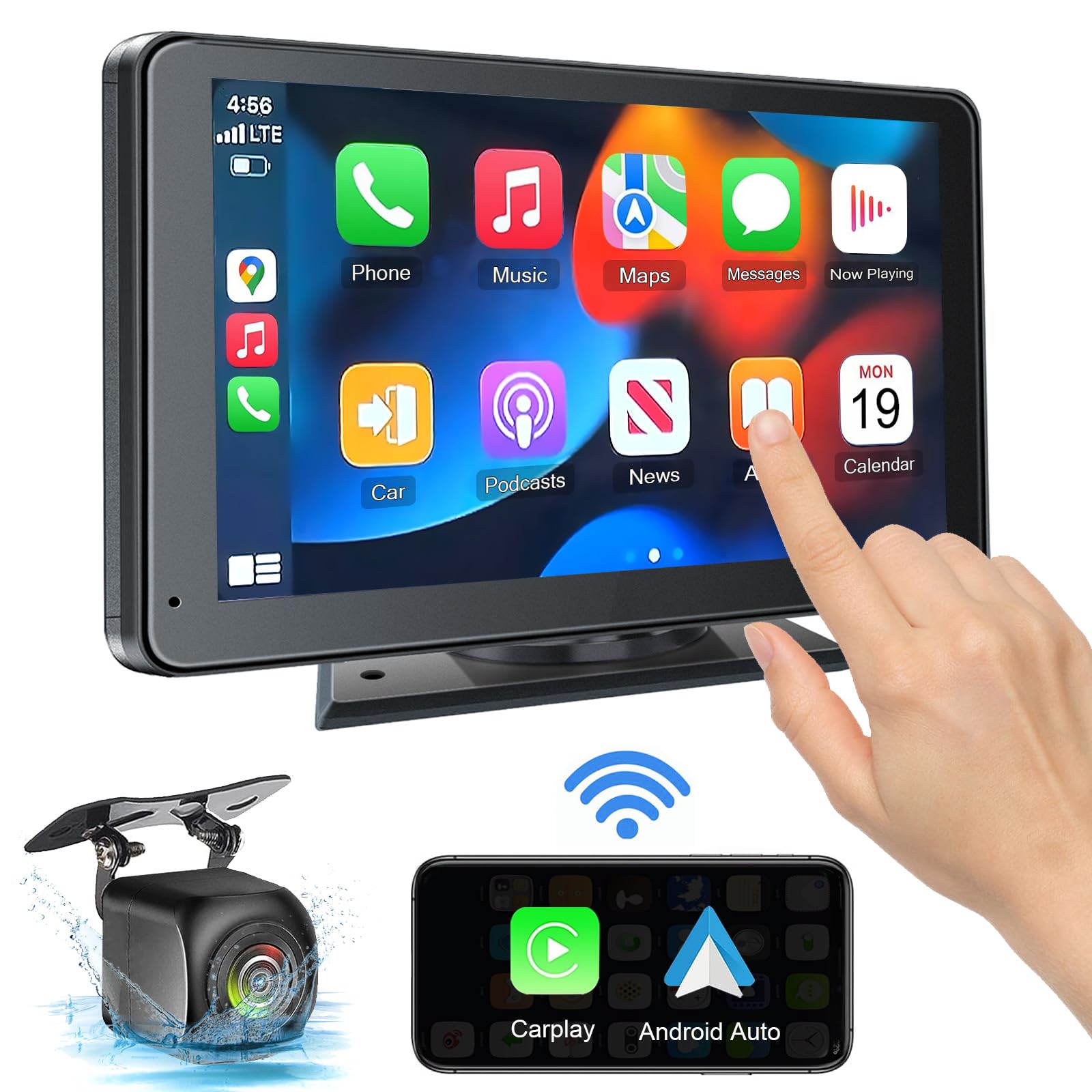
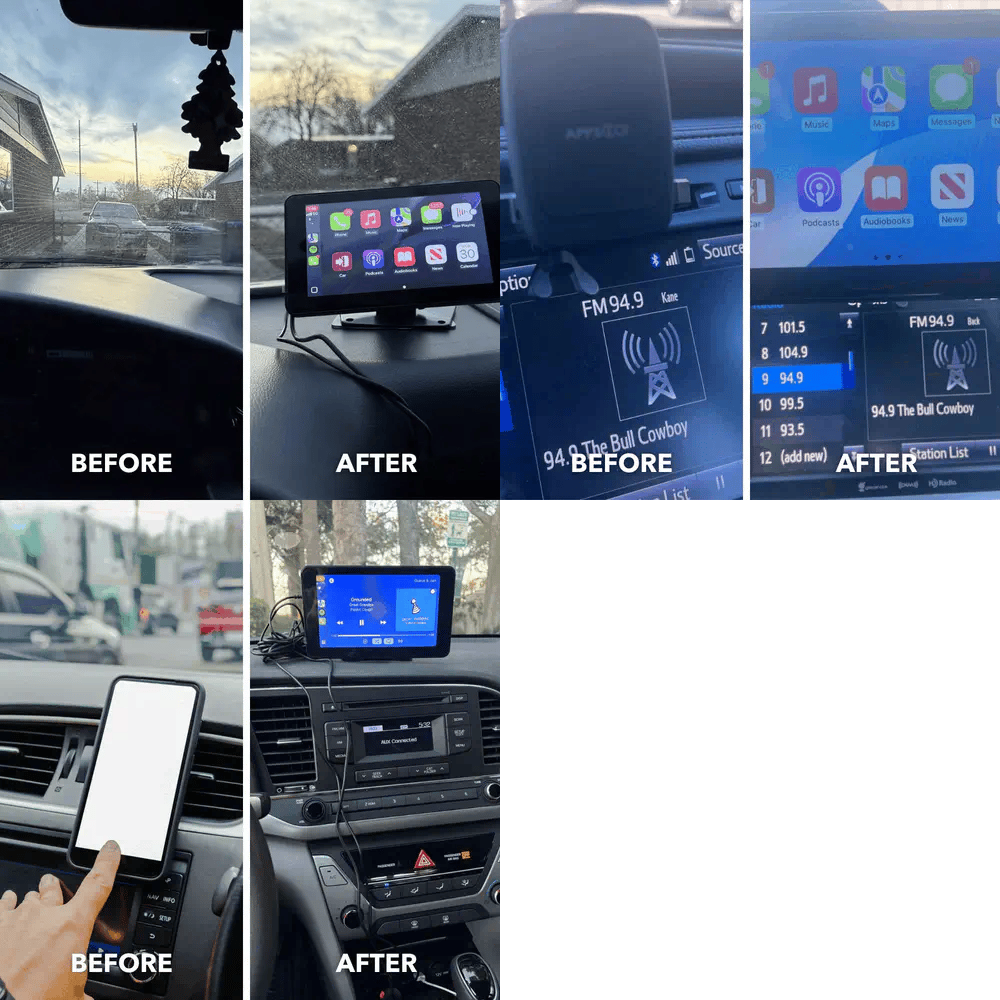
HIEHA 7-Inch Wireless CarPlay Screen with Android Auto & Backup Camera

Waterproof

Backup Camera

Dash Cam

Wide Angle
HIEHA® SU8 1.0 Moped-Style Electric Bike
1500W (750W Rated)
40-70 Miles

34 MPH

90 N·m
HIEHA® 8.1" 2K Dash Cam Wireless | CarPlay & Touchscreen
Dash Cam
Backup Camera
Wide Angle

TF Card