
Quick answer: A portable CarPlay screen can be useful when you want an add-on display without changing the factory head unit; an installed head unit can make more sense when you want a vehicle-specific installation and are prepared for the compatibility work. The right choice depends on the car, installation tolerance, audio path, camera needs, and local safety rules.
What this guide covers
This guide focuses on the decision or task in the title, the variables that can change the answer, and the next check that makes the advice useful in real ownership.
Define the problem before the product
Decide whether the goal is navigation visibility, phone integration, audio routing, a camera workflow, or replacing an unreliable existing unit. One screen cannot solve every vehicle integration issue.
Compare installation commitment
A portable unit may reduce modification of the dashboard, while an installed head unit can require vehicle-specific parts and professional installation. Confirm mounting, power, cable routing, and visibility before ordering.
Check audio and phone compatibility
Understand how the intended setup sends audio and how the phone connects. Device, vehicle, app, and operating-system support can change, so verify the current product page and compatibility guidance rather than relying on a general claim.
Keep safety and legality in view
Mount the display where it does not obstruct the driver's view, set destinations before driving, and follow applicable local rules. A screen should reduce distraction, not create another task while moving.
Use a comparison checklist
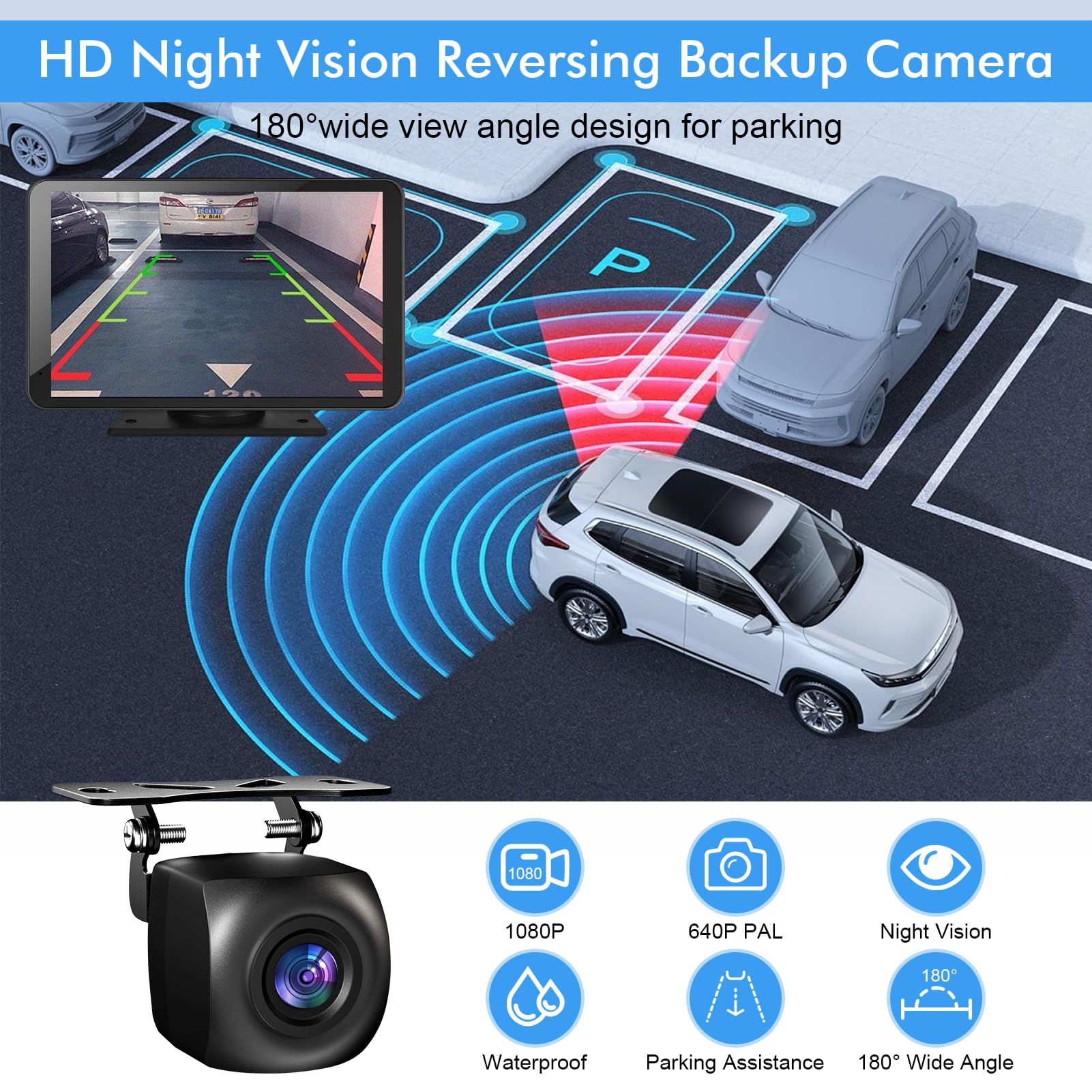
Compare return terms, support, update path, camera needs, vehicle fit, audio behavior, and who will install or troubleshoot the system. The HIEHA collection and support pages are the right places to confirm current product-specific details.
Decision notes
| Check | Why it matters |
|---|---|
| Define the problem before the product | Decide whether the goal is navigation visibility, phone integration, audio routing, a camera workflow, or replacing an unreliable existing unit. One screen cannot solve every vehicle integration issue. |
| Compare installation commitment | A portable unit may reduce modification of the dashboard, while an installed head unit can require vehicle-specific parts and professional installation. Confirm mounting, power, cable routing, and visibility before ordering. |
| Check audio and phone compatibility | Understand how the intended setup sends audio and how the phone connects. Device, vehicle, app, and operating-system support can change, so verify the current product page and compatibility guidance rather than relying on a general claim. |
| Keep safety and legality in view | Mount the display where it does not obstruct the driver's view, set destinations before driving, and follow applicable local rules. A screen should reduce distraction, not create another task while moving. |
Where to confirm current details
portable CarPlay screen collection HIEHA 7-inch wireless CarPlay screen wireless versus wired CarPlay guide HIEHA support
Put the plan to work
Write down the one detail that could change your decision, then verify it before acting. That might be a route condition, a model-specific instruction, a vehicle fit question, or a storage constraint. A short written check prevents a broad online answer from being treated as a promise about a particular product or situation.
The bottom line
Use this framework for the situation in front of you, then verify model-specific details on the current HIEHA pages before making a purchase, service, or safety decision.
Before a long drive, it also helps to keep a simple roadside emergency kit for a dead battery and review it before you need it.
Share:
I Thought Wireless CarPlay Was Essential — But I Was Wrong
What to Keep in a Roadside Emergency Kit for a Dead Battery